Description
Price: ¥3,599
(as of May 06, 2022 10:05:22 UTC – Details)

Product Description

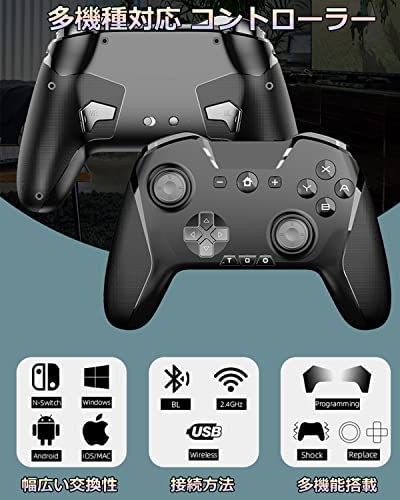
Compatible with Switch/PC/IOS/Android, Wireless Controller
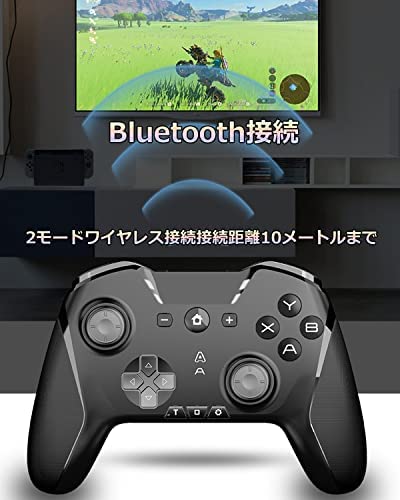
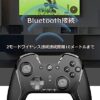
Bluetooth Connection:
1.How to connect with Switch?
Step 1: Enter the Switch configuration screen and select “Pro Controller” → “How to Hold/Order a Pro Controller”.
Step2: Press the pairing button on the back, the controller will enter pairing waiting mode.
Step 3: When the Switch marks, the connection is complete.
2. How to connect to Android TV/Smartphone.
Step 1: Hold the “B” button and hold the Home button for about 2 seconds, the controller will enter Bluetooth search mode.
Step 2: After pairing is completed, the indicator light on the upper left will always turn on.
3. How to connect IOS smartphone/MAC OS
Step1: Hold the “A” button and hold the Home button for 2 seconds, the controller will enter Bluetooth search mode.
Step 2: After pairing is complete, the indicator light on the lower left will always turn on.
2.4 GHz Connection:
Press the pairing button on the back, all indicator lights flash, and the controller goes into waiting for pairing mode.Plug the 2.4GHz dongle (need to buy separately), wait a few seconds and the indicator light turns on steady and will connect successfully.

Button assignment replacement function
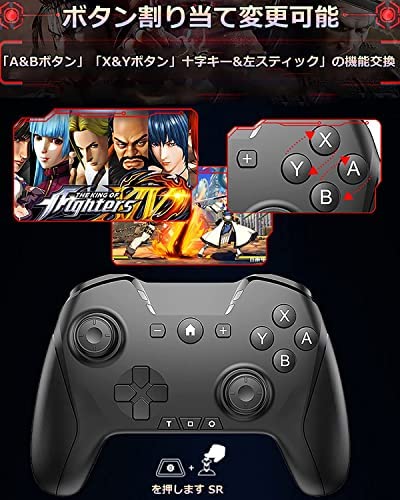
Have you ever been confused with button placement when playing multiple games in parallel at the same time?With this in mind, we have introduced a new feature that allows you to change the button portion to your own convenience.
If you press the “Settings” button and enter the right stick downward, you can switch to the “A” button where it was “B” button and the “Y button” where it was used.
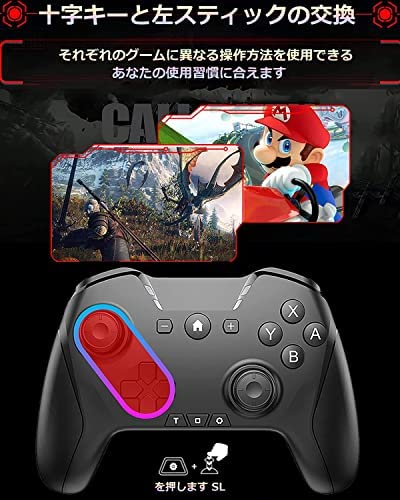
Press the “Settings” button and enter the left stick downward to change the function of the left stick and cross key.After setting successful, the left stick and cross can be controlled in 8 directions.

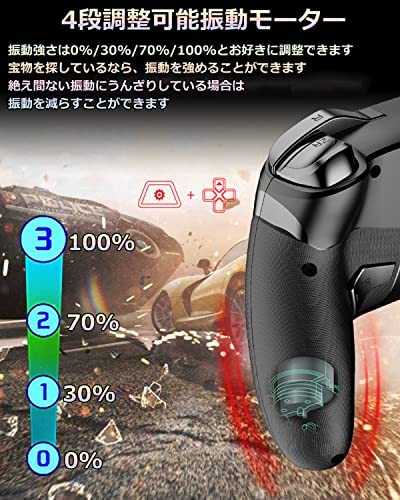
Equipped with 6-axis gyro sensor & 4-stage adjustable vibration motor.
Equipped with a highly sensitive 6-axis detection system, it can detect tilt and motion of the controller, shake the controller, tilt the controller, etc.
It is full of immersive while playing the sensory game of switches.
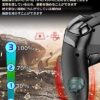
Vibration strength can be adjusted to 0/30%/70%/100%.
If you set the vibration strength to 0, the vibration motor will not work.By increasing the vibration strength, the vibration motor can be activated.

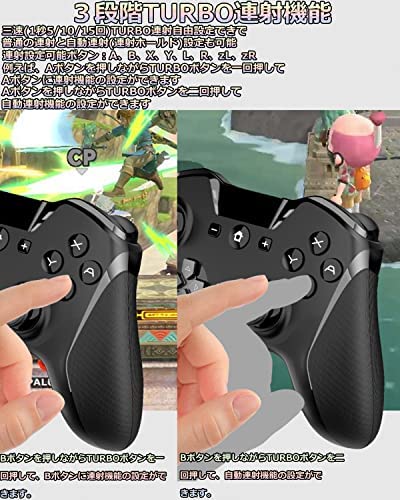
3-stage TURBO continuous firing and macro function
Freeing yourself from simple tasks that have to hold the same button for a long time, reducing fatigue when gaming.
Consecutive shooting buttons: A, B, X, Y, L, R, zL, zR
For example, hold the A button and press the TURBO button once, and the A button can be set to the continuous firing function.Hold the A button and press the TURBO button twice to set the automatic rapid-fire function.
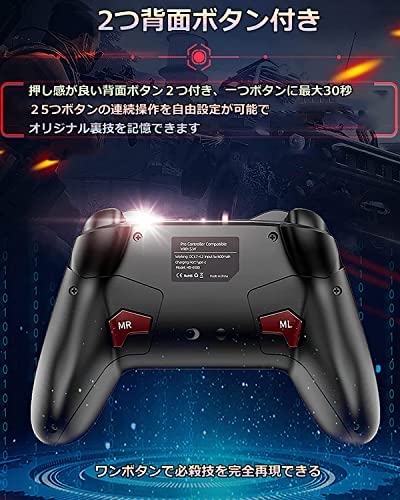
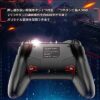
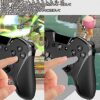
Equipped with programming function, it can record 25 operations in up to 30 seconds.
Step 1: Set the switch on the back of the controller button to “ON”.
Step 2: After pressing the setting button and one of the MR/ML buttons simultaneously, the indicator light flashes and waiting for programming.
Step3: Press the working button to start programming function.
Step 4: Press one of the MR/ML buttons again to finish editing.

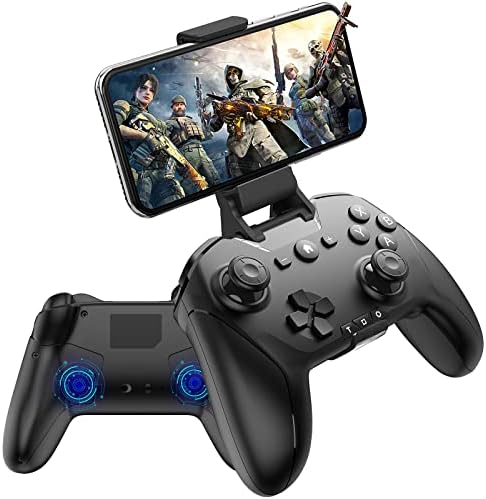
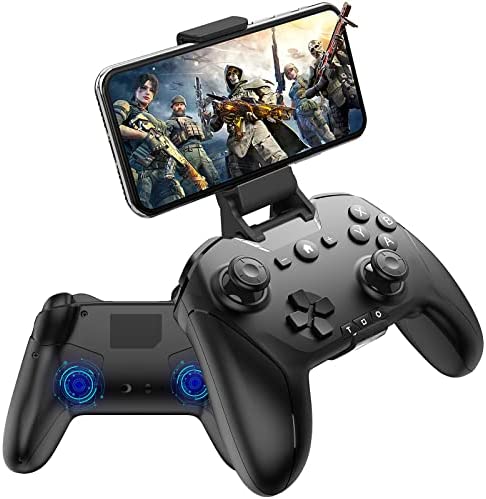
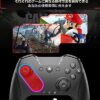
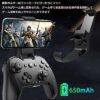
Removable phone grip
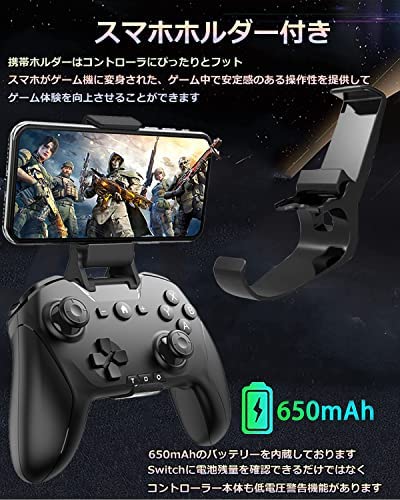
Includes a smartphone holder that can be attached to the controller and fixed to the smartphone.
Game play like a small game console.Fits smartphones from minimum 3.5 to up to 6 inches.
It is removable so you can remove it when not in use, and it does not interfere with operation.
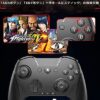
Compatible with IOS 13.4 and later Apple products, Windows (7,8,10) PC, Macbook, Android TV/Tablet/Phone, Switch, PS3, etc.
You can enjoy many popular works including Fortnite, the original deity, COD, Minecraft, and many more.
Bluetooth 5.0 wireless connection, can operate a wide range of about 32.8 ft (10 m).
Equipped with a large capacity 650 mAh battery, it can be fully charged in 4 hours, and can be used continuously for about 12 hours.
Package Includes: Controller x 1, Instruction Manual x 1, Charging Cable x 1, Smartphone Holder x 1.
(Compatible with Many Models) Compatible with a wide variety of devices: Switch/Switch Lite/Switch OLED, IOS (iPhone/ipad), PC-Windows, MacOS, Android-Phone/TV Box, etc. This one unit will keep your controller functional. Compatible with latest iOS models: Compatible with iOS 13-14 and later versions, COD, FORTNITE, Micraa, Original God certified gamepad. Note: This product is not compatible with games that do not have MFI certifications such as PUBG and wilderness. Thank you for your understanding
(Multiple Functions) 6-axis motion sensor, 4-stage adjustable vibration motor, 3-speed TURBO continuous firing function, ABXY button layout, button change function, acceleration and gravity response, and a variety of functions. It also supports Bluetooth TOOTH, 2.4GHz wireless & wired. It also has a built-in 650mAh battery. Not only can the Switch check the remaining battery level, but the controller itself has a low voltage warning function. Non-slip, low friction The key spacing is moderately designed so you can play it for a long time without getting tired
(Smartphone Halter & 2 Back Buttons) The phone holder fits snugly to the controller, and the smartphone has been transformed into a game console, providing a stable and stable operation during the game, improving your gaming experience. It can support Android and IOS phones from 3.5″ to 6″. There are 2 macro buttons on the back of the controller (ML, MR), so you can freely set up a single button for up to 30 seconds or 25 buttons, so you can remember the original trick
(Directional Button Layout) The smartphone game has many different buttons settings, so it is equipped with a left-stick and crisscross key, X, Y, A and B function exchange function functions for a better gaming experience. No complicated setting, just press the specified button to switch between A&B button, X&Y button, Cross key & Left stick functions (See the instruction manual for specific instructions) After the function is changed, the cross key and left stick can be operated in 8 directions at the same time
3 Stage TURBO Continuous Shooting Function & 4 Vibration Modes: Three speed (5/10/15 times 1 second) Free TURBO Shooting Settings, can also be set to normal continuous shooting and automatic continuous shooting (continuous hold). Buttons set to Turbo can be entered. Automatic continuous firing (continuous firing hold) can be automatically entered without pressing the preset button. Vibration strength can be adjusted to 0/30%/70%/100%. If you set the vibration strength to 0, the vibration motor will not work. By increasing the vibration strength, the vibration motor can be activated



Reviews
There are no reviews yet.